Your transport day.
In your pocket.
The Motion TMS Android app connects Driver Connect with your company workspace. Drivers see their work. Managers stay close to the operation.
The next job. Ready to go.
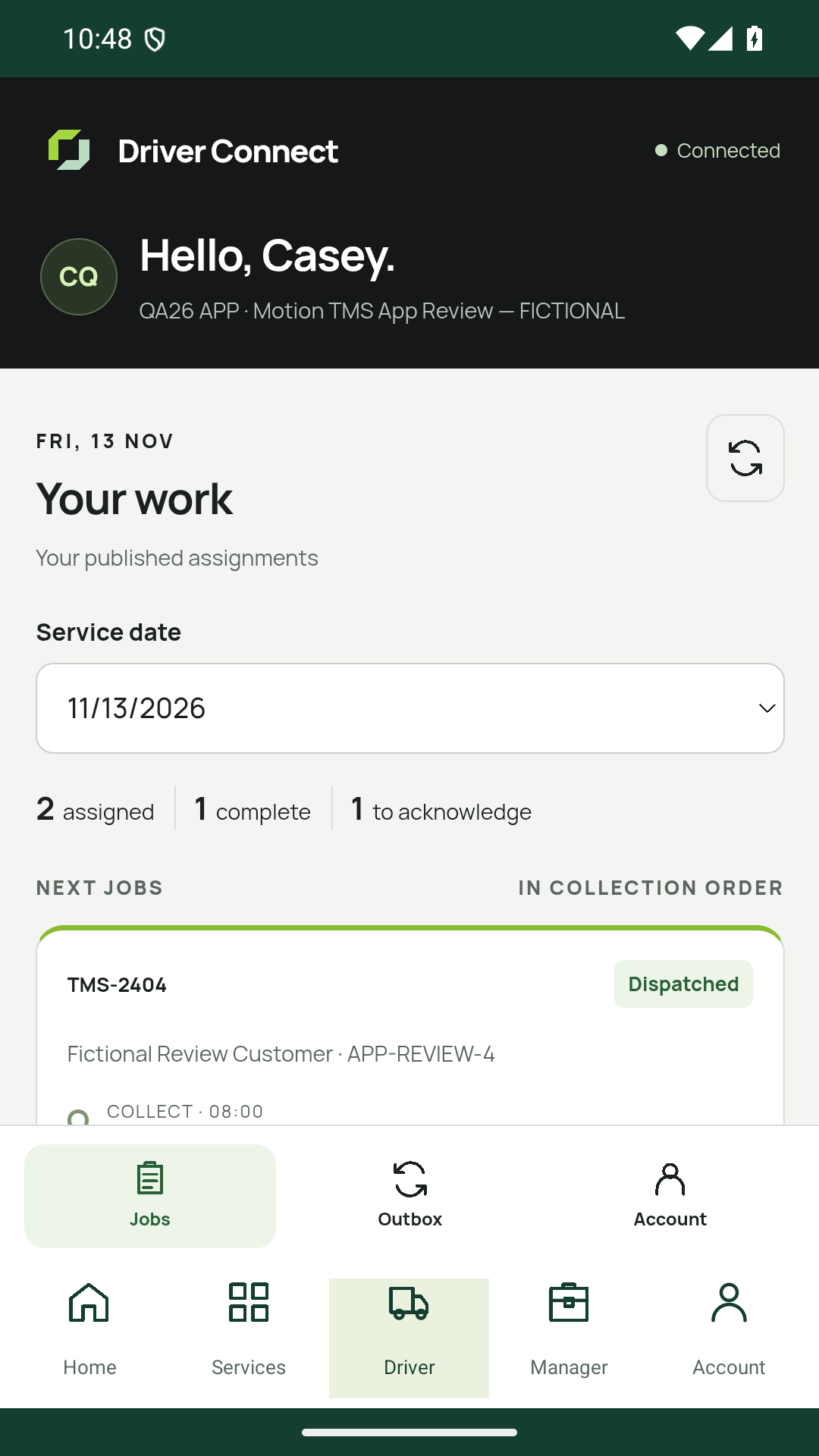
Driver Connect brings published, assigned jobs into one clear list, so your drivers can see what is ready and what needs their acknowledgement.
- See assigned jobs and completed work
- Open the collection and delivery instructions
- Acknowledge a published job from the phone
The details that move the job.
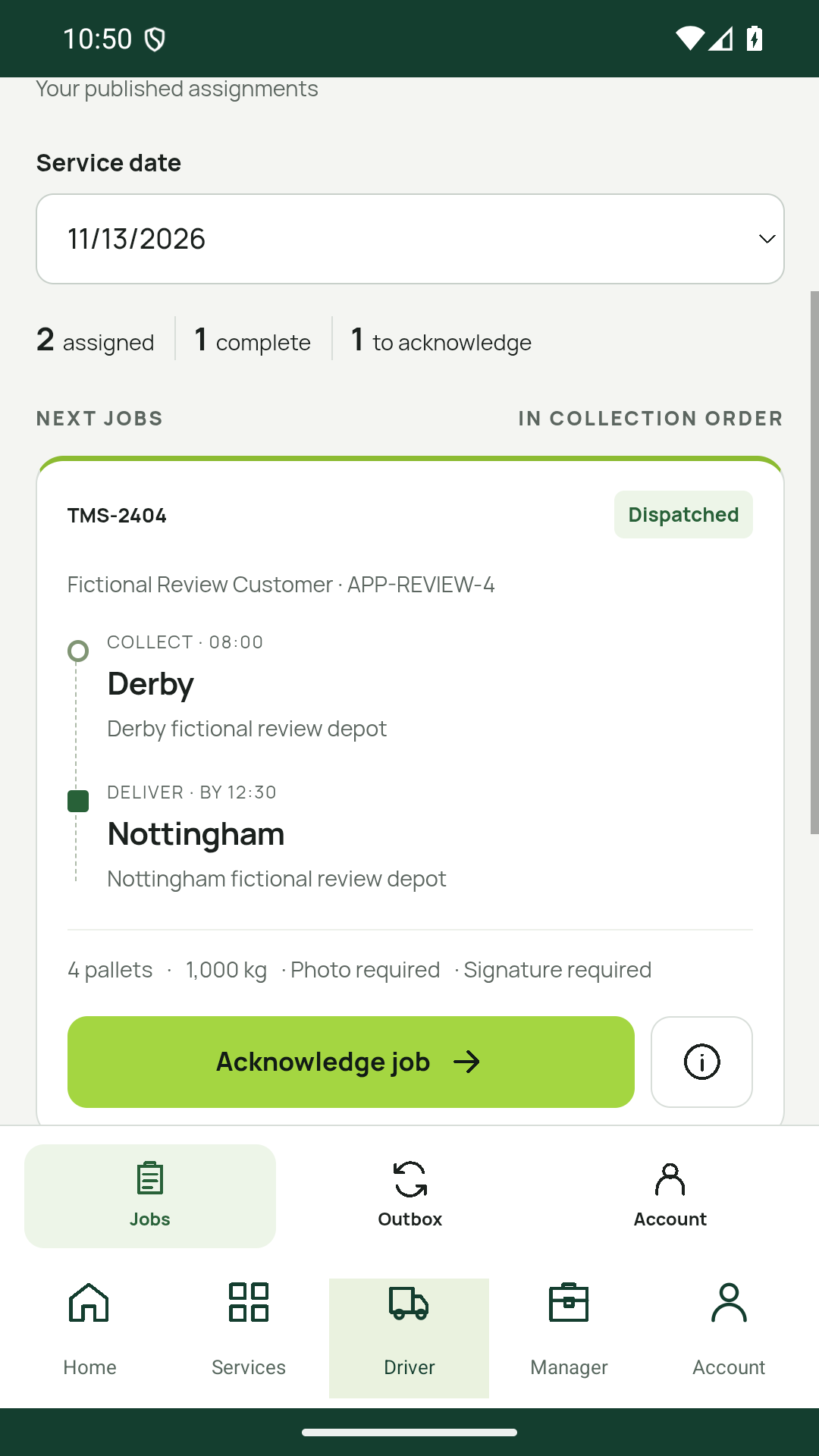
Open a job to see the collection, delivery and load information together. The driver can check the instructions before starting work.
- Collection and delivery addresses in one view
- Pallet counts, weights and job notes
- Clear requirements for photos and signatures
Close the loop at delivery.
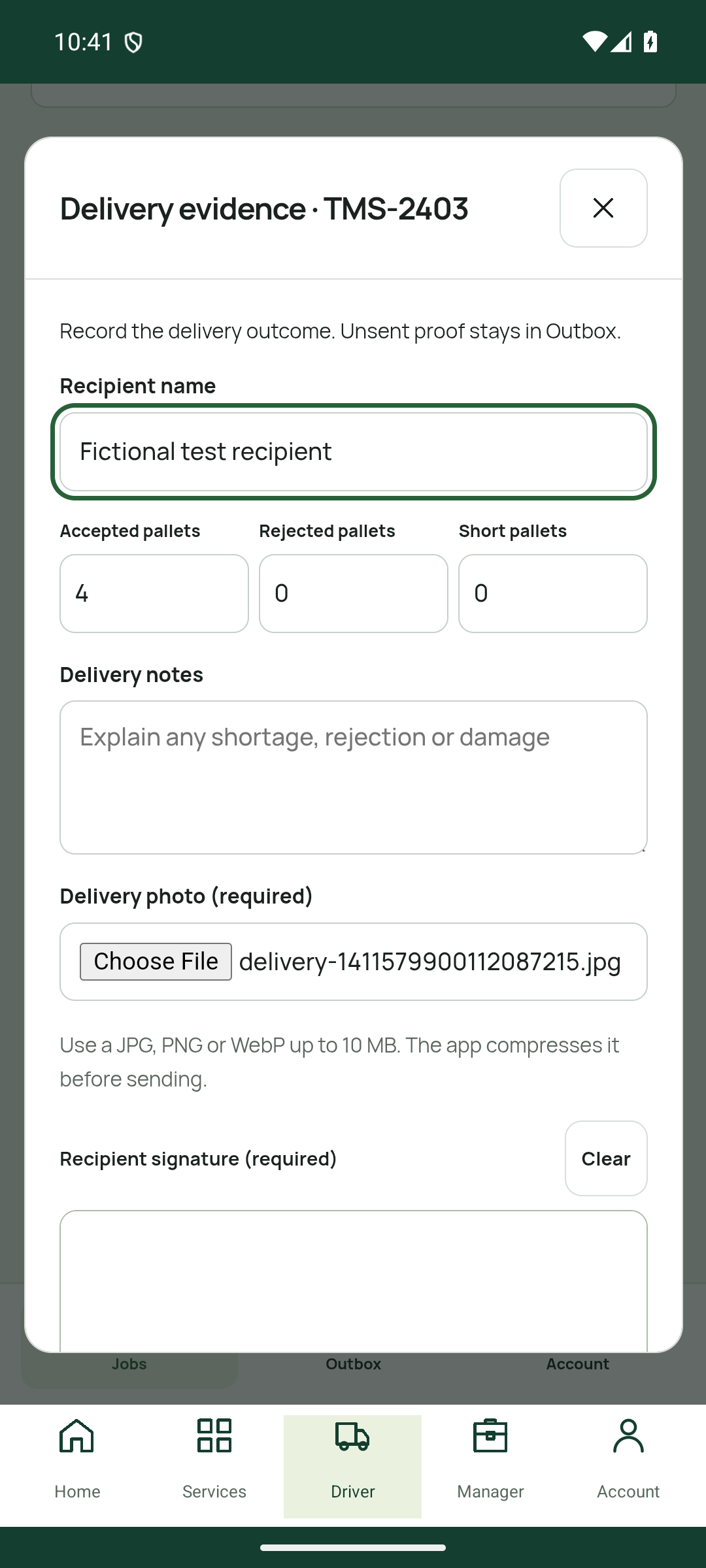
Record the delivery outcome where the work happens, with recipient details, notes, a photo and a signature when the job requires them.
- Record accepted, rejected and short quantities
- Add delivery notes and required evidence
- Check Outbox: unsent proof stays pending until sent
Keep the office in the picture.
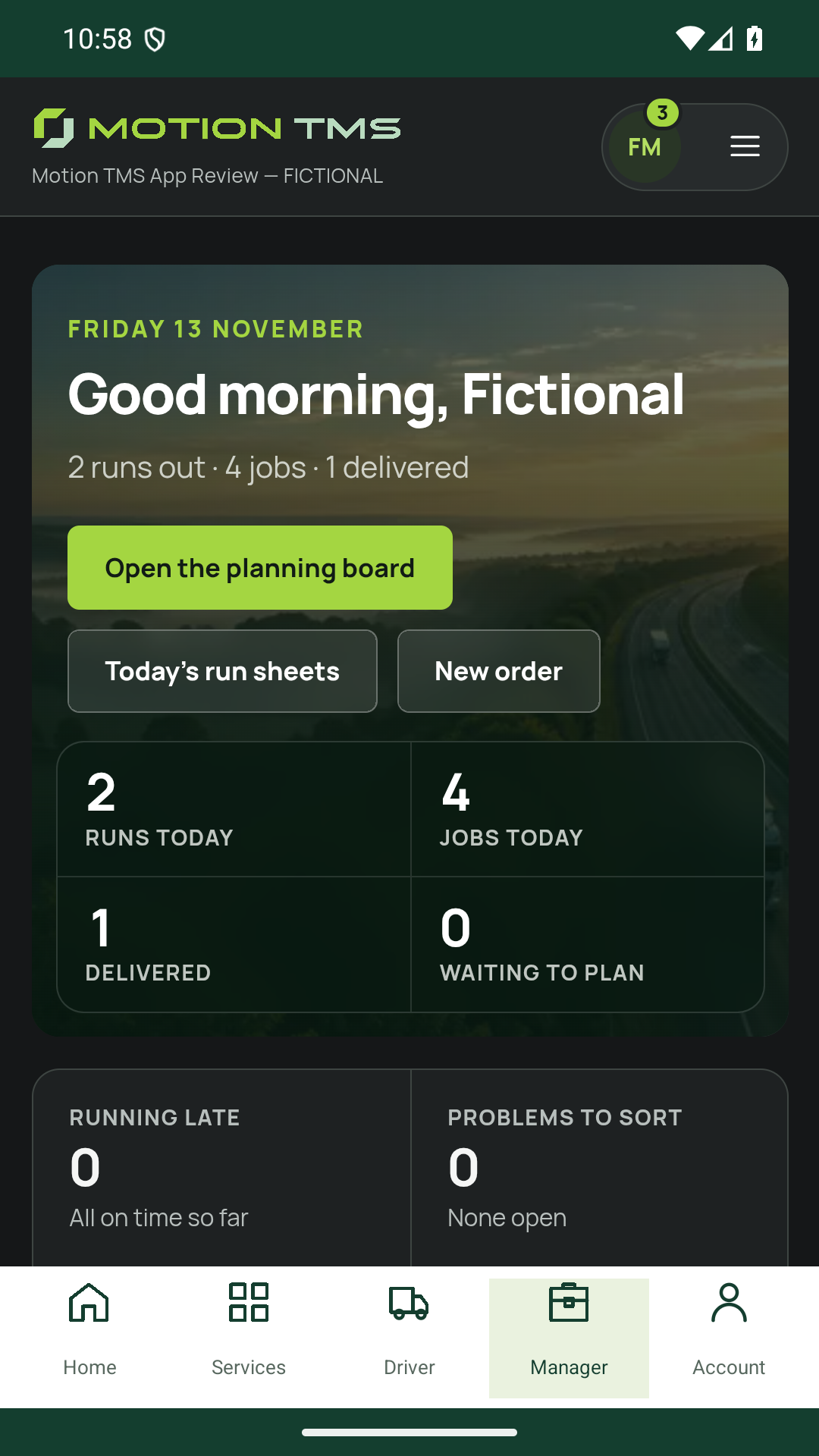
Managers can open their company workspace from the app to check runs, jobs and delivered work without being at a desk.
- See run and job totals in the company overview
- Open the planning board and run sheet
- Review progress using existing company permissions
Track job progress and delivery updates. Live vehicle GPS tracking is not part of this app.
One familiar place to start.
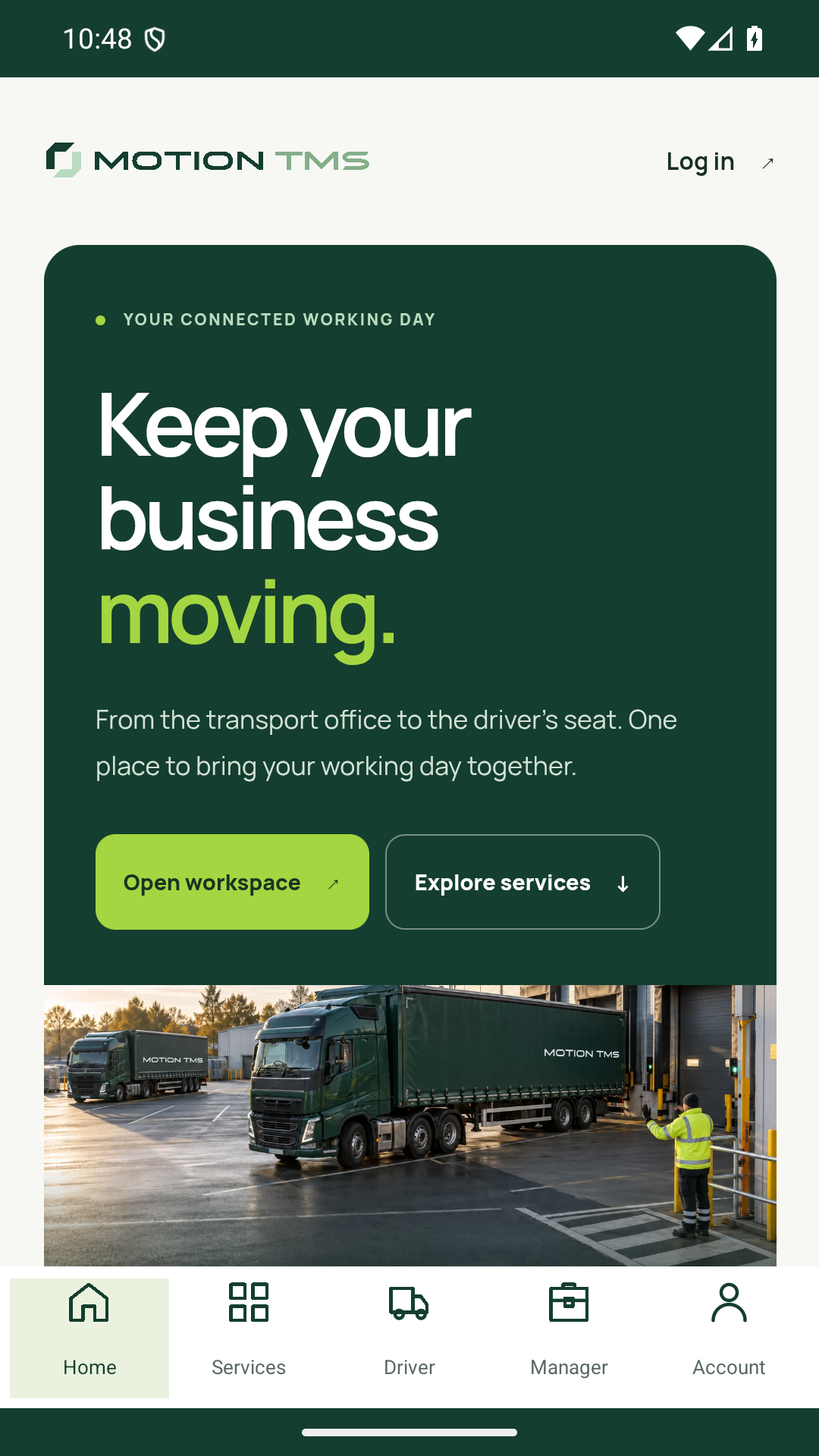
The app brings Motion’s transport workspace, Driver Connect and services together, with five labelled destinations along the bottom.
- Home, Services, Driver, Manager and Account
- Use your existing Motion TMS company access
- Switch between driver and manager areas as your role allows
Ready for the
next run?
From your company workspace to the next delivery. Take Motion TMS with you.
Download for Android- Get the appInstall Motion TMS from Google Play.
- Sign in to your companyUse your existing access, or ask your company administrator.
- Open your working dayDriver for assigned jobs. Manager for your workspace.
Does the app use my existing account?
Yes. Use your existing Motion TMS company access. The app respects your role and permissions; drivers see the published work assigned to them. The download is free, and your workspace features depend on your company’s plan.
What can the office track?
Managers can review runs, job progress and delivery updates in their company workspace. This is operational progress, not live vehicle GPS tracking.
What happens if an update has not sent?
Check Driver Connect’s Outbox. Unsent proof remains pending; reconnect and confirm it has sent before treating a delivery update as received by the office. A connection is needed for current workspace information.
Can I use Motion TMS on an iPhone?
The downloadable app is available on Google Play for Android. On an iPhone or another device, use Driver Connect and your Motion TMS workspace in your web browser.